Real estate CRM
Simple CRM for real estate agents
Once an opportunity has potential, you move it into the CRM and keep working — no retyping. A tip doesn't have to stay just a tip.
The CRM isn't a separate tool next to acquisition — it's the same system the tip came from. The property, the conversation and the marketing all stay on one record.
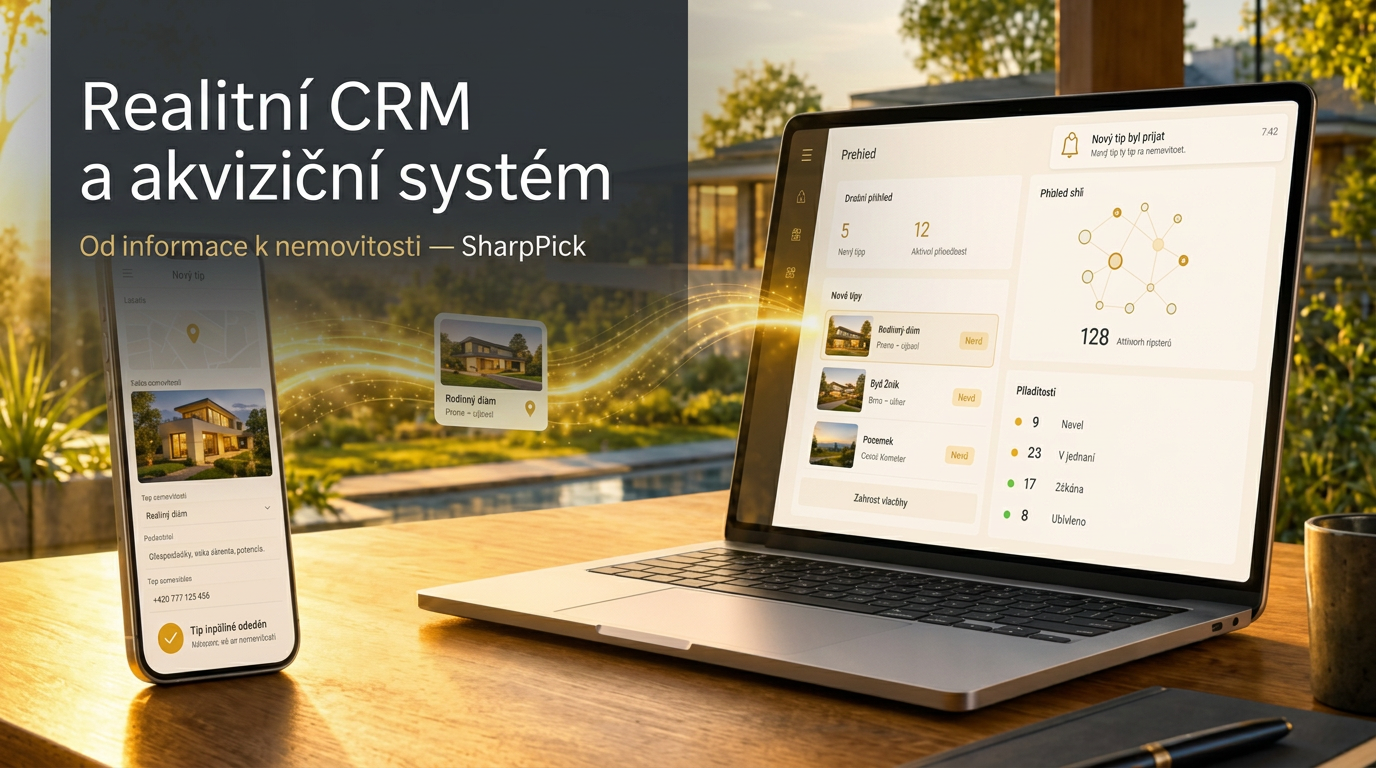
What one record holds
Everything you need for a property, in one place.
- Property and its parameters
- Contact
- Deal status
- Documents
- Notes
- Photos
- Map data
- Activity log
- Next steps
Deal statuses
The status reflects where the sale actually stands.
- Preparation
- Active
- Reserved
- Sold
- Withdrawn
How a tip becomes a CRM record
- 01
Someone submits a tip.
- 02
SharpPick stores it.
- 03
You see the opportunity.
- 04
Available data can add context.
- 05
You talk to the tipster and decide the next step.
- 06
The opportunity becomes a CRM record.
- 07
The property moves on to marketing.
Frequently asked questions
What does the CRM include?
Property records and parameters, contacts, deal statuses, documents, notes, photos, map data and an activity log.
Is SharpPick a CRM or a lead acquisition tool?
Both. It pairs a tipster network for off-market property leads with a full CRM for agents: property records, deal statuses, documents, notes, and activity history.
Do I have to retype tip data?
No. You turn a tip into a CRM record inside the app, so the same information isn't copied between tools.
Can other agents see my properties?
No. Each agent's data is strictly isolated at the database level.
Public data sources SharpPick works with
Records are verified against official Czech registries. The links point to their public portals.